From storm to receipt in four steps.
- 01
Add sites and triggers
Load each property, its plow and salt triggers and its contractor once. Each storm opens a service window.
- 02
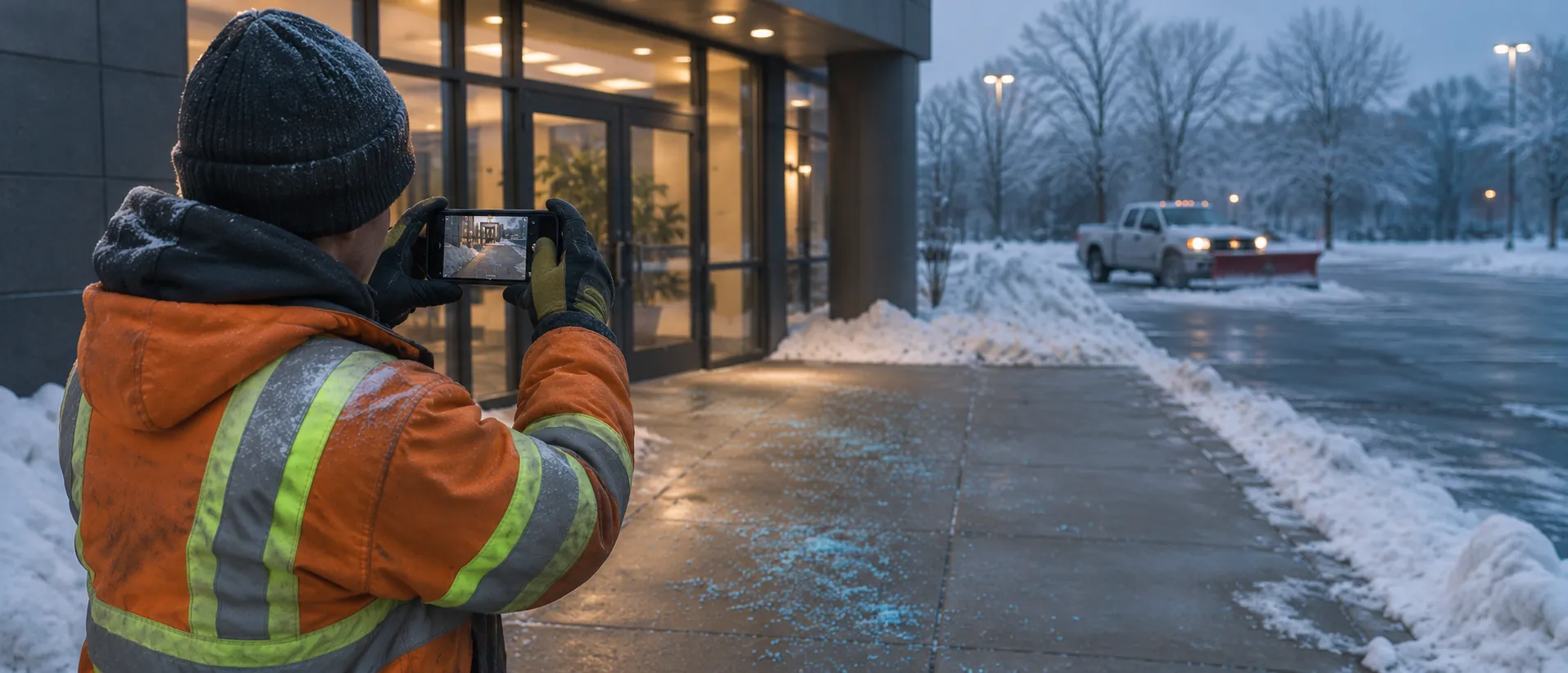
The crew captures each visit
Guided shots of lots, walkways and entrances, live on site, by the contractor's own crew. That's Direct mode: nobody else travels.
- 03
Teleport verifies
Location and time checks, reused-photo screening and a check that the visit falls inside the storm window. Models estimate; a versioned policy and human reviewers decide.
- 04
You get a receipt per visit
Accept or review each service line. Approve invoices against receipts, and keep them in the claim file.
§ 02 · One storm, on the record
The receipts are already there when the claim letter arrives.
A sample storm at one site. Every visit is its own receipt (even one with several stops), so the question “was entrance B treated?” has a time-stamped answer.
A service log that stands up to a claim.
- A receipt for every visit, with time, place and what was treated
- Invoices matched to receipts, line by line
- Screening for reused photos and visits outside the storm window
- A per-site history you can hand to your insurer or counsel
- CSV export for your work-order or accounting system
- Proves
- The service was visibly performed at the property inside the storm window, captured live by the crew, with photos that are new for this visit.
- What we won't do
- That surfaces stayed clear after the visit, or that the work met a contract standard. That scope statement is printed on every receipt.
Start this winter. Measure it against last winter.
- Paid pilot · One season
- Every site in one region. Pilot fee of $1,500, credited against usage. Weekly report with receipt links.
- $4 per visit
- Guided crew capture and verification. Spot independent checks billed only when you order them. Invoiced in USD. No crypto needed.
- What we measure
- Invoice disputes and missed-visit claims · Days to approve contractor invoices · Evidence on hand for each claim
Pilot prices are starting points, quoted in USD. See the full pilot page
Questions property managers and contractors ask
What does the crew need to do?
Open the link sent for each storm and follow the shot list for each area: lot, walkways, entrances. Capture happens on site, so it's checked for location and time.
The contractor captures their own work. Isn't that a conflict?
Capture is live and checked for place, time and reused photos, so it can't be assembled afterwards from the truck. For sites that matter most, you can order spot independent checks.
We're a snow contractor. Can we use it ourselves?
Yes. Contractors use receipts to get invoices approved faster and to show the work was done. Run the pilot on your own routes and share receipts with each property manager.
What happens to the photos?
They stay private to you and the contractor. The public receipt shows the decision and how it was reached, never raw images, names or the property address.
For developers.
The same template is in the API and the MCP server. Preview, subject to change.
Template · snow-ice-serviceTAP v0.2 · preview
GET /api/v1/tap/templates/snow-ice-service

# MCP: ask your agent
"Create a Teleport task from the snow-ice-service template for <address>."Related.
 Facilities & propertyPay for turnovers you can see.Cleaners capture every room after a changeover. Pay the vendor on the receipt and settle deposit disputes with it.See how it works
 Facilities & propertyDone, with a receipt.A contractor's photos of a repair are thin, so someone nearby re-shoots the wall for $9 and the proof is upgraded to Verified.Read the worked example
Template
Post this task in a minute.
The template is the version a person with a phone can do today. The steps, the photos and the rules the reviewer checks are filled in, and you can change any of them. Say where, then send the capture link.
Book a pilot
Get this winter on the record.
Tell us about your sites. We'll set up a pilot in one region before the next storm.