How it works with what you already run.
- 01
Turn the guide into shots
The launch or seasonal guide becomes a short shot list: window, counter card, menu board, display.
- 02
Shoot launch morning
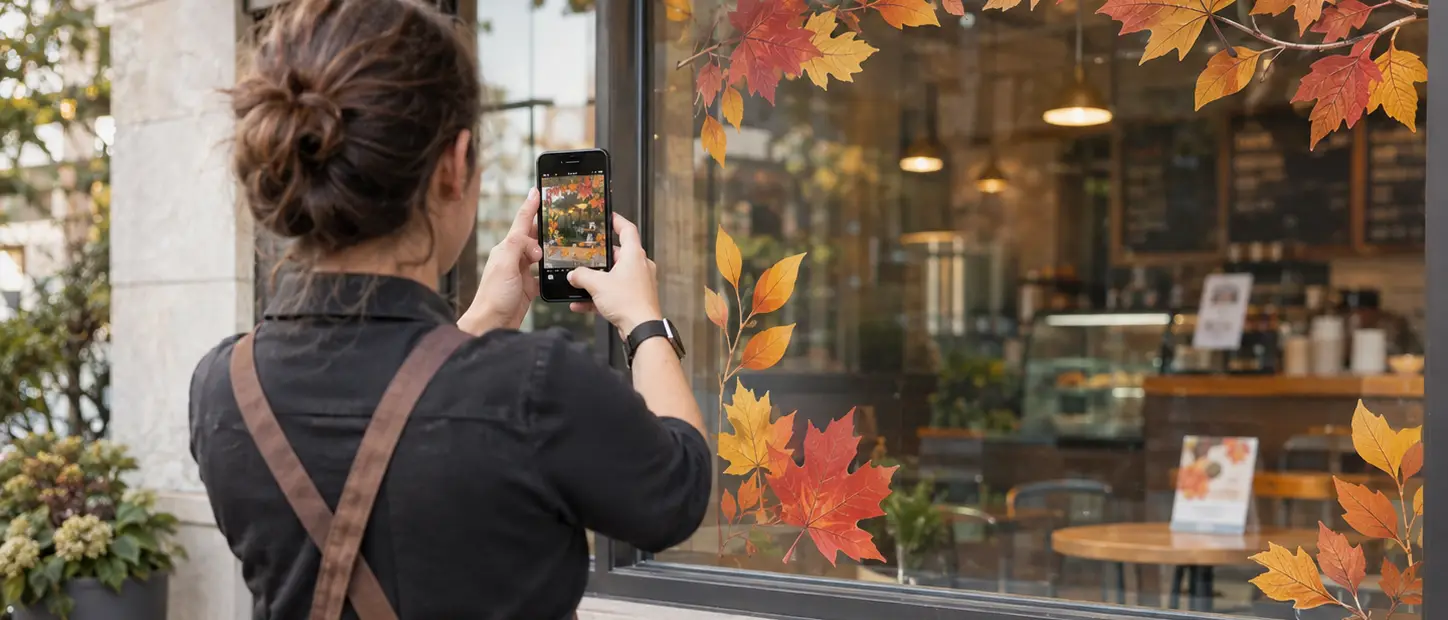
Each store manager opens a capture link and photographs the set, one shot at a time.
- 03
Check each item
Each photo is checked against the guide. A missing or wrong item goes back to the store as a task.
- 04
Re-shoot the fix
The store re-shoots the fixed item, and it's checked the same way.
- 05
See who's live
One view shows which stores are live and since when.
Live everywhere on day one.
The launch guide becomes a shot list. Each store's photos are checked item by item, and anything missing comes back as a task.
Launch day, proven at every store.
- Your launch or seasonal guide turned into a shot list
- Each store's set checked item by item on launch morning
- Anything missing sent back as a task, then re-shot
- One view of which stores are live, and since when
- Photos you can share with your franchisor or co-op
- Proves
- Each item on the shot list was in place, as the guide shows it, when the store's photos were taken.
- What we won't do
- Each receipt shows the set when it was photographed, not for the whole promo.
- Phone photos cover what cameras can't see, like counter cards and drive-through boards.
- In early access: we're running it with a first group of franchise owners.
A receipt for every launch.
One proof per location: the launch kit's shot list, the staff photos on launch morning, and each item checked against the guide.
Store 2 had the window cling up but not the counter card. It was fixed and re-shot by 10:15.
- Task
- Fall launch set · Store 2
- Requested by
- Launch day · all stores
- Work by
- Store manager
- Checked by
- Shot list + policy
- Evidence
- 5 photos · 09:20 and 10:15
- Scope
- Set at capture · not the whole promo
- Decision
- Accepted after one fix
- Owner view
- 4 of 4 stores live
STATUS: FINAL
Questions franchise owners ask
Who takes the photos?
Your store manager or shift lead, from a guided capture link on their phone. It shows them each shot to take.
Can it use my cameras instead?
For items a camera can see, like a case or a window, yes. Signs at the counter or the drive-through usually need a phone photo.
Does this replace my franchisor's checks?
No. It gives you proof before their visit, and photos you can share if they ask.
Related.
- Early accessFranchisesEvery location, between your visits.The camera already over the counter spots an empty case or a messy station. The shift lead gets a task, and the same camera shows it fixed.See how it works
- Early accessFranchisesEvery placement, shown where it ran.Each line of your local plan gets a photo where the sign, banner or flyer went up, with the dates it ran, matched to the invoice.See how it works
 Retail & CPGPaid for the shelf. Proof it's there.Brands check every promo display on day 1 and day 7, send a fix when one is missing, and pay for the displays they can prove.Read the worked example
Early access
Know every store launched on time.
Two minutes: your locations, your next launch and how you check setups today.