How it works with what you already run.
- 01
Draw the zones
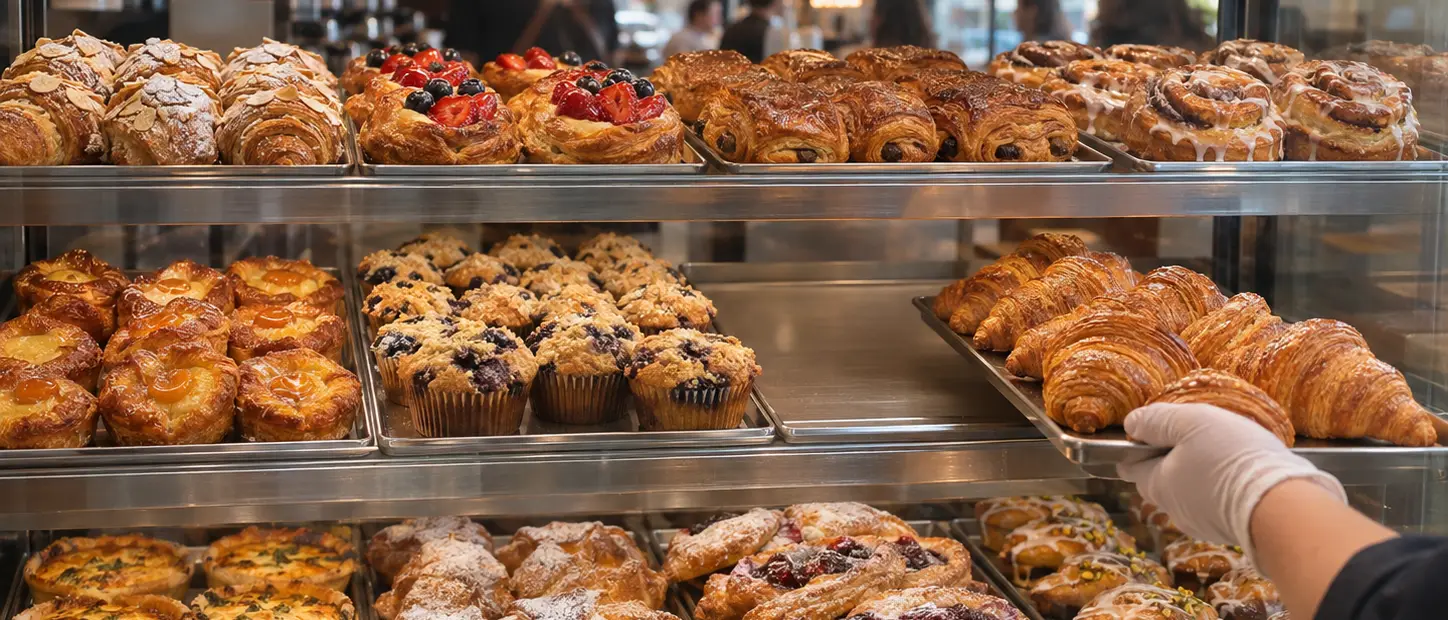
Draw the case, cooler, tables and drink station on the cameras you already have, and save each one full and clean. That's the baseline.
- 02
Watch the rush
Snapshots through the day look for gaps in the case, an empty cooler or a messy station.
- 03
Task the shift lead
The shift lead's phone gets a task with the snapshot: restock the case, wipe the station.
- 04
Check it
The same camera's after-snapshot is compared with the baseline. Zones no camera sees get a phone photo. Anything unclear goes to a person.
- 05
See every location
Every alert and fix lands in one feed across your locations, with the times.
Empty at 7:41, full by 7:52.
The snapshot that caught the gap is the one the after-snapshot is checked against, from the camera already over the counter.
Every location, checked between your visits.
- Cases, coolers, tables and drink stations checked from the cameras you have
- A task to the shift lead's phone when something drifts
- The same camera showing it fixed, with the time
- One feed across all your locations
- A dated record if a customer, an inspector or your franchisor asks
- Proves
- The case, cooler or area matched its full, clean baseline when the after-snapshot was taken, and when the gap was first seen.
- What we won't do
- It looks at the case, the cooler and the room, never at people, and nothing ranks or scores staff.
- Faces are covered before any model sees a frame.
- Each receipt shows the zone at capture, not that it stayed full all hour.
- In early access: we're running it with a first group of franchise owners.
A receipt for every rush.
One proof per alert: the camera snapshot that caught the empty case, the staff task, and the same camera showing it full again.
The alert went out at 7:41. The case was full again at 7:52, and the receipt shows both times.
- Task
- Restock pastry case · Store 3
- Requested by
- Case check · morning rush
- Work by
- Your shift lead
- Checked by
- Same camera + policy
- Evidence
- Snapshots 07:41 → 07:52
- Scope
- Case at capture · not the next hour
- Decision
- Accepted · full 07:52
- Owner view
- All stores · one feed
STATUS: FINAL
Questions franchise owners ask
Do I need new cameras?
Usually not. Most locations already have a camera over the counter or the dining room. Where none sees a zone, a staff phone photo covers it.
Does it watch my staff?
No. It looks at the case, the cooler and the room, never at people, and faces are covered before any model sees a frame. Nothing ranks or scores staff.
Do I need my franchisor's approval?
Check your franchise agreement for technology and vendor rules. Many owners tell their field consultant what they're testing, and we can help with that conversation.
What does a pilot look like?
One location for 30 days, with two weeks of baseline first, so you can compare empty-case minutes and fix times before and after.
Related.
- Early accessFranchisesLive everywhere, on day one.Your launch guide becomes a shot list. Each store photographs its set on launch morning, and anything missing comes back as a task.See how it works
- Early accessFranchisesFindings closed before anyone comes back.Each finding becomes a task with a before and after photo from the same angle, so you can show it's fixed before the re-visit.See how it works
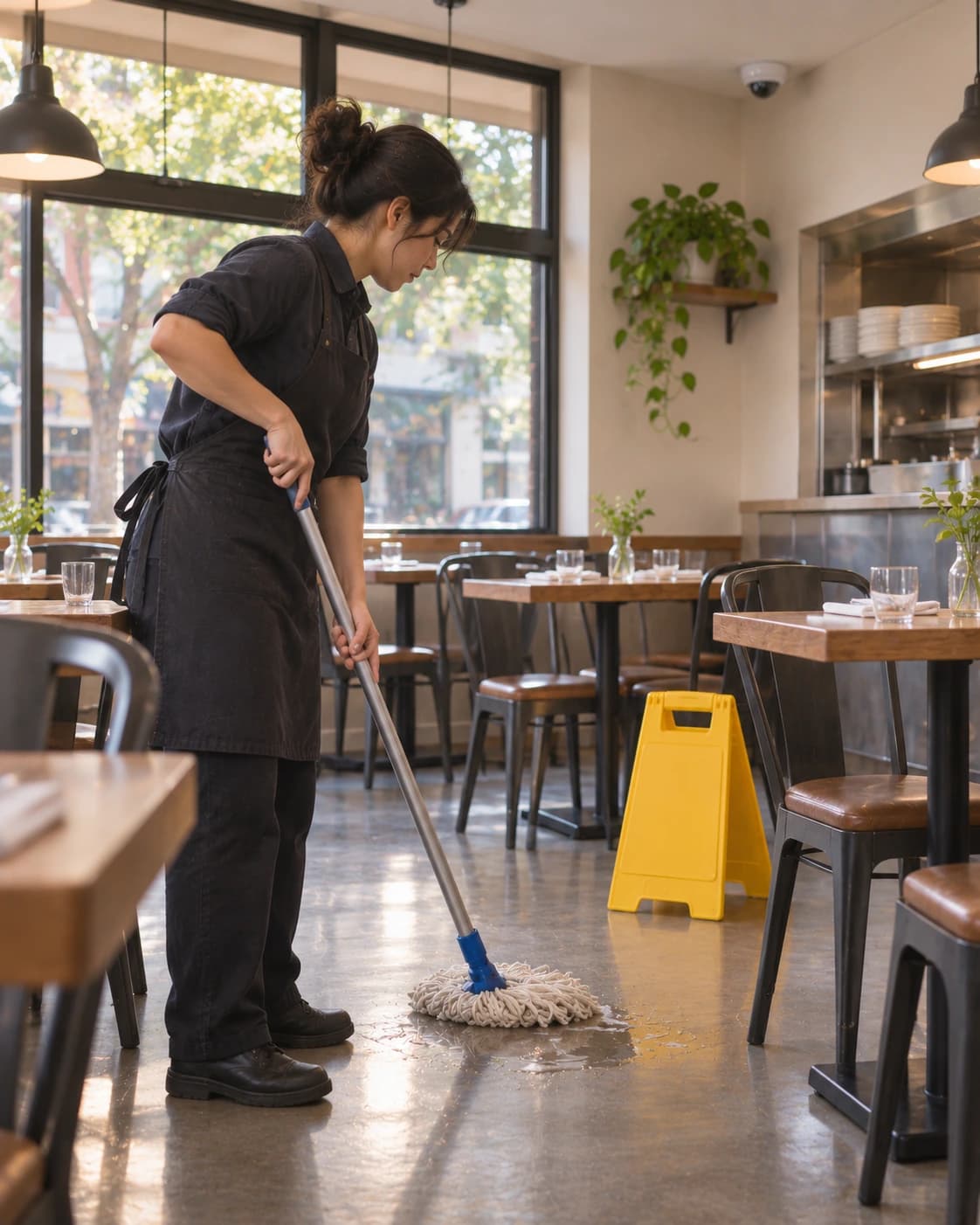 Early accessHospitalityThe camera saw it first.A dining-room camera posts the cleanup and the restock under the restaurant's mandate, and its next frame helps prove they're done.Read the worked example
Early access
Prove every location between your visits.
Two minutes: how many locations you own, what goes wrong between visits and what's already on site.