How it works with what you already run.
- 01
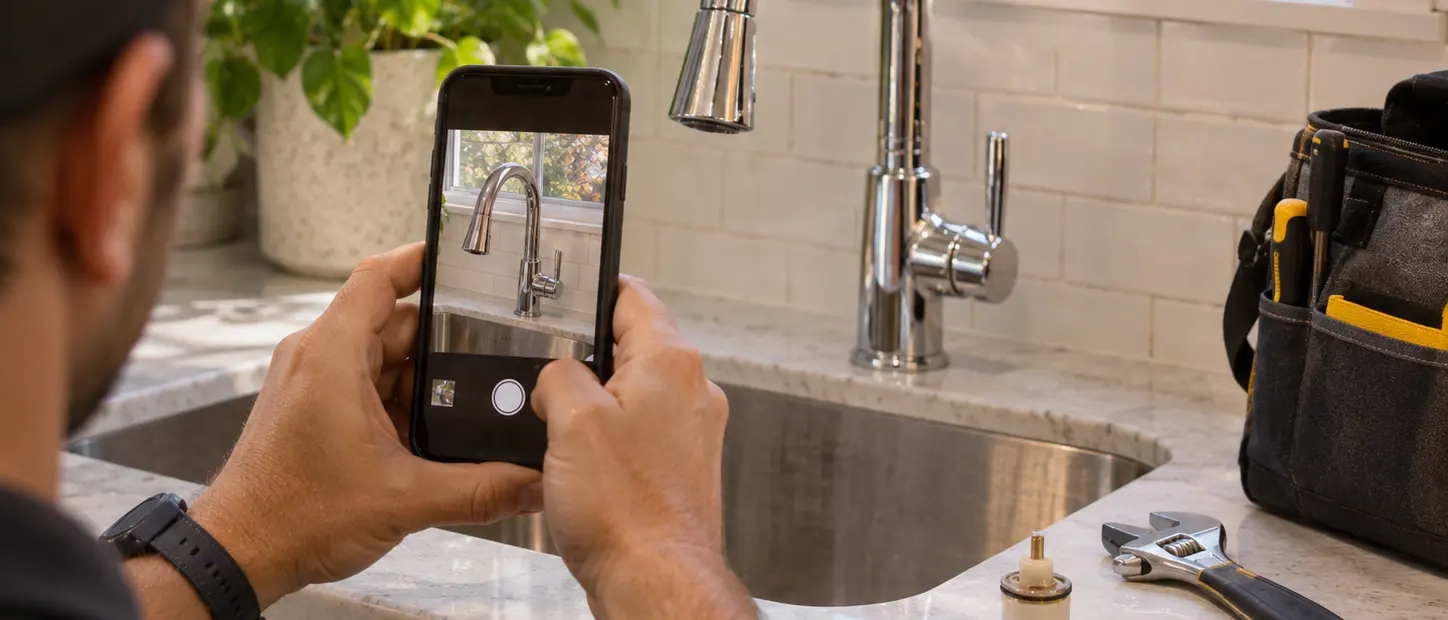
Snap it
Photograph the problem: a loose fence board, a dripping faucet, a torn screen, a dead light fixture.
- 02
The agent scopes it
The Teleport agent works out the job, asks one or two questions, and writes down what done looks like and what the photos must show.
- 03
Approve the price
You see a fixed price or a range, and the checks the job must pass, before you approve. Nothing posts until you do.
- 04
Fix it
A local handyman does the job. The app overlays your photo so the after-photo matches its angle, plus a short check, like 10 seconds of a faucet that doesn't drip.
- 05
Keep the history
Every fix gets a receipt. Together they make a repair history for a warranty claim or for when you sell.
Your angle, then the fixed one.
The app overlays your photo so the after-photo matches it, and a short working check shows the fix holds.
Small repairs done, with a history you keep.
- A job written from your photo, with checks you can read before approving
- A fixed price or a range, approved before anything posts
- An after-photo from your angle, plus a working check
- Old parts photographed when they're replaced
- A repair history for warranties and for when you sell
- Proves
- The repair on the task was done and working when the after-photos were taken, from the same angle as your photo.
- What we won't do
- Small handyman jobs only for now. Work that needs a permit or a licensed trade isn't in scope yet.
- Photos show the repair, not the people in your home.
- The price you approve is the price you pay. A change needs your OK first.
- In early access: we run it with design partners.
A repair history you keep.
One proof per fix: your photo, the job the agent wrote, the price you approved, and the after-photo from your angle.
The price you approved is the price paid.
- Task
- Faucet drip · kitchen
- Requested by
- You · from a photo
- Work by
- Local handyman
- Checked by
- Same angle + policy
- Evidence
- Before/after at your angle + 10 s check
- Scope
- The repair at capture
- Decision
- Accepted
- Paid
- In USD to the handyman
STATUS: FINAL
Questions homeowners ask
What kinds of jobs?
Small handyman jobs: a drip, a loose board, a torn screen, a dead fixture. Work that needs a permit or a licensed trade isn't in scope yet.
Can the price change?
Not without you. The price you approve is the price you pay, and any change needs your OK first.
Who sees the photos?
You and the person doing the job. Photos show the repair, never the people in your home.
Related.
- Early accessHome & householdThe leak, the fix, one record.When your leak sensor fires, you approve a plumber with one tap. In-app photos and a sensor that stays dry for 24 hours make one record you can attach to a claim.See how it works
- Early accessHome & householdGet the deposit back.Capture each room at move-in, and again after the move-out clean. Teleport compares them and gives you a receipt to share with your landlord.See how it works
Early access
Fix the small things.
Tell us about the repairs that keep waiting. We're running Snap & Fix with a first group of households.