How it works with what you already run.
- 01
Turn on Away mode
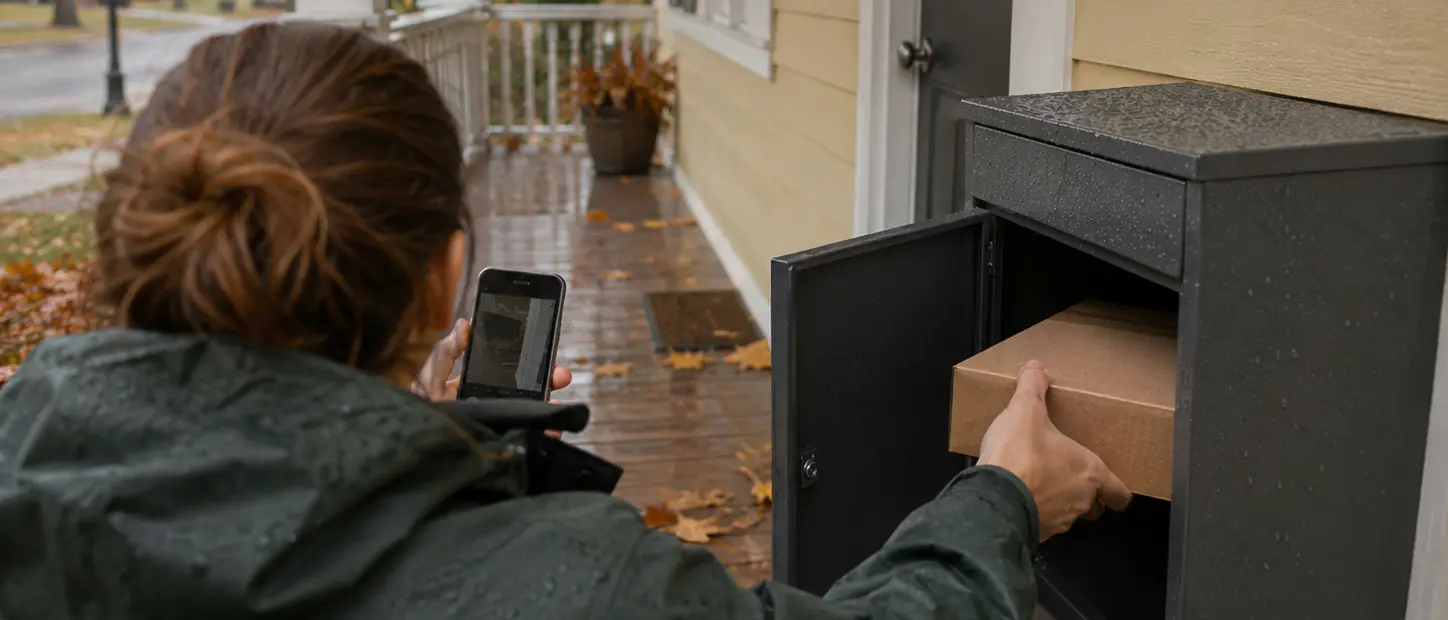
Turn on Away mode, or let a rain forecast arm it. Pick where packages go: a lockbox, the garage keypad, a side door, or held until you're back.
- 02
Spot the box
Once motion settles, a doorbell snapshot shows a box on the porch. The job goes to your trusted neighbor first, then to vetted local helpers.
- 03
Move it
The helper moves the package and photographs it at the drop spot in the app.
- 04
Check it
A fresh snapshot from the same camera shows the porch empty, next to the drop photo. Anything unclear goes to a person.
- 05
Keep the receipt
The receipt shows when the package was moved and where it went, in case a carrier or store asks later.
A box on the porch, then an empty porch.
The doorbell snapshot that spotted the box is the one that shows the porch empty, next to the photo at the drop spot.
Packages safe while you're out, with a record of where they went.
- A trusted neighbor first, then vetted local helpers
- The drop spot you pick: lockbox, side door, garage keypad, or held
- A photo at the drop spot and an empty-porch snapshot
- A receipt with times, if a carrier or store asks later
- Packages stay sealed and labels stay unreadable
- Proves
- A sealed package was moved from the porch to the drop spot you named, at the time on the receipt.
- What we won't do
- We look for packages, not people. Faces are covered before any model sees a frame.
- Helpers don't open packages, sign for deliveries or go inside.
- The receipt shows when and where a package was moved. It isn't a full chain of custody.
- In early access: we run it with design partners.
Where the package went, and when.
One proof per rescue: the doorbell snapshot that saw the box, the photo at the drop spot, and the empty porch from the same camera.
Sealed the whole way, with the label never readable. It isn't a full chain of custody.
- Task
- Parcel to lockbox · Cedar St
- Requested by
- Away mode · doorbell snapshot
- Work by
- Trusted neighbor
- Checked by
- Same camera + policy
- Evidence
- Snapshots 13:12 → 13:41 + drop photo
- Scope
- Where it was left · not contents
- Decision
- Accepted
- Paid
- In USD to the neighbor
STATUS: FINAL
Questions households ask
Does Teleport watch my porch?
No live viewing. Only snapshots of the zone you draw, taken after motion settles, and only while Away mode or a rain alert is on.
Who moves the package?
Someone you trust first, such as a neighbor you've added. If they can't, a vetted local helper nearby can take it.
Is it a chain of custody?
Not a full one. The receipt shows when and where the package was moved, with photos, which is often what a carrier or store asks for.
Related.
- Early accessHome & householdNever miss pickup day.The night before pickup, your camera checks the curb. If the bins aren't out, a nearby helper rolls them out, and back in after.See how it works
- Early accessHome & householdTheir house, looked after.Set up a family plan for a parent's home. An AI agent posts the routine chores to vetted local helpers, your parent sees who's coming, and the whole family sees every receipt.See how it works
Early access
Keep packages off the porch.
Tell us where you'd like packages to go. We're running Porch Rescue with a first group of households.