Four steps from site list to report.
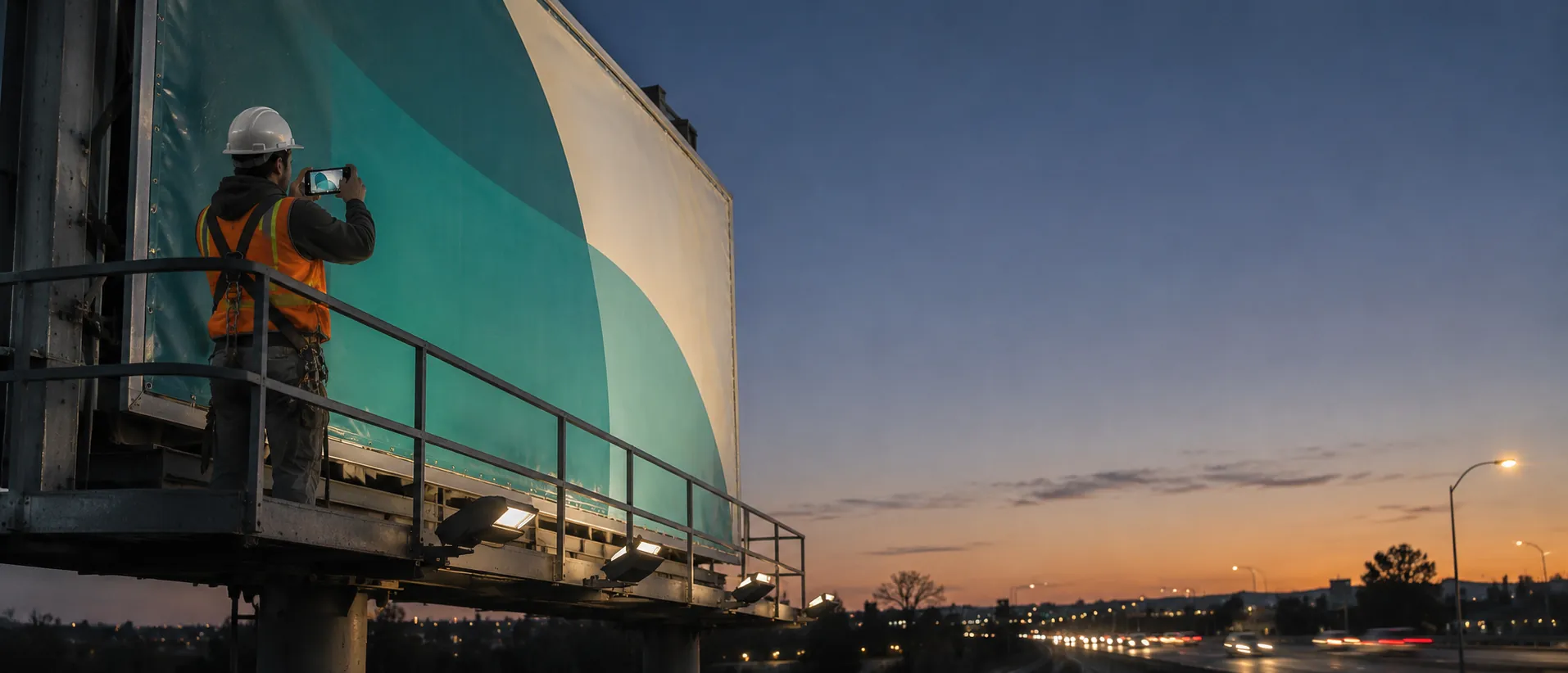
- 01
Upload sites and artwork
Sites, faces, flight dates and the approved creative, once per campaign.
- 02
Installers shoot each face
One guided capture per face as it's posted, live at the location inside the posting window. That's Direct mode: the crew already there captures.
- 03
Teleport verifies
Location and time checks, a match against the approved artwork and reused-photo screening. Models estimate; a versioned policy and human reviewers decide.
- 04
Every face gets a receipt
Accept or review per face. Flagged faces go back for a re-shoot or a make-good while the flight is still running.
§ 02 · One campaign, every face
See the whole flight at once, and only read the exceptions.
Most faces post cleanly. The report says so in one line, and puts the few that need action at the top.
A posting report that answers its own questions.
- A receipt per face, linked from your campaign report
- Creative matched against the approved artwork
- Flags for wrong, damaged or missing postings while there's time to fix them
- Receipts advertisers and auditors can check themselves
- CSV export by campaign and flight
- Proves
- The approved creative was visibly posted at the site inside the posting window, captured live, with photos that are new for this campaign.
- What we won't do
- Audience, impressions, or how long the posting stayed up after capture. That scope statement is printed on every receipt.
Start with one campaign. Put it in front of a buyer.
- Paid pilot · One campaign
- Every face in one campaign. Pilot fee of $2,500, credited against usage. Receipts linked from your campaign report.
- $6 per face
- Installer capture and verification. Independent site checks billed only when you order them. Invoiced in USD. No crypto needed.
- What we measure
- Days to deliver proof of posting · Postings flagged and fixed in flight · Buyer disputes and make-goods
Pilot prices are starting points, quoted in USD. See the full pilot page
Questions media owners and agencies ask
Does this need new hardware?
No. Installers use their phones and the link we send for each campaign. Capture happens at the site, so it's checked for location and time.
Who pays, the media owner or the agency?
Either. Media owners use receipts to deliver proof of posting; agencies use them to check it. The receipt is the same.
Does it cover digital screens?
The pilot covers printed and posted faces. If you run digital screens too, tell us; we'll scope them separately.
What happens to the photos?
They stay with you. The public receipt shows the decision, the face and the time. You choose whether to share the photos with a buyer.
For developers.
The same template is in the API and the MCP server. Preview, subject to change.
Template · outdoor-ad-postingTAP v0.2 · preview
GET /api/v1/tap/templates/outdoor-ad-posting

# MCP: ask your agent
"Create a Teleport task from the outdoor-ad-posting template for <address>."Related.
 Retail & CPGPaid for the shelf. Proof it's there.Brands check every promo display on day 1 and day 7, send a fix when one is missing, and pay for the displays they can prove.Read the worked example
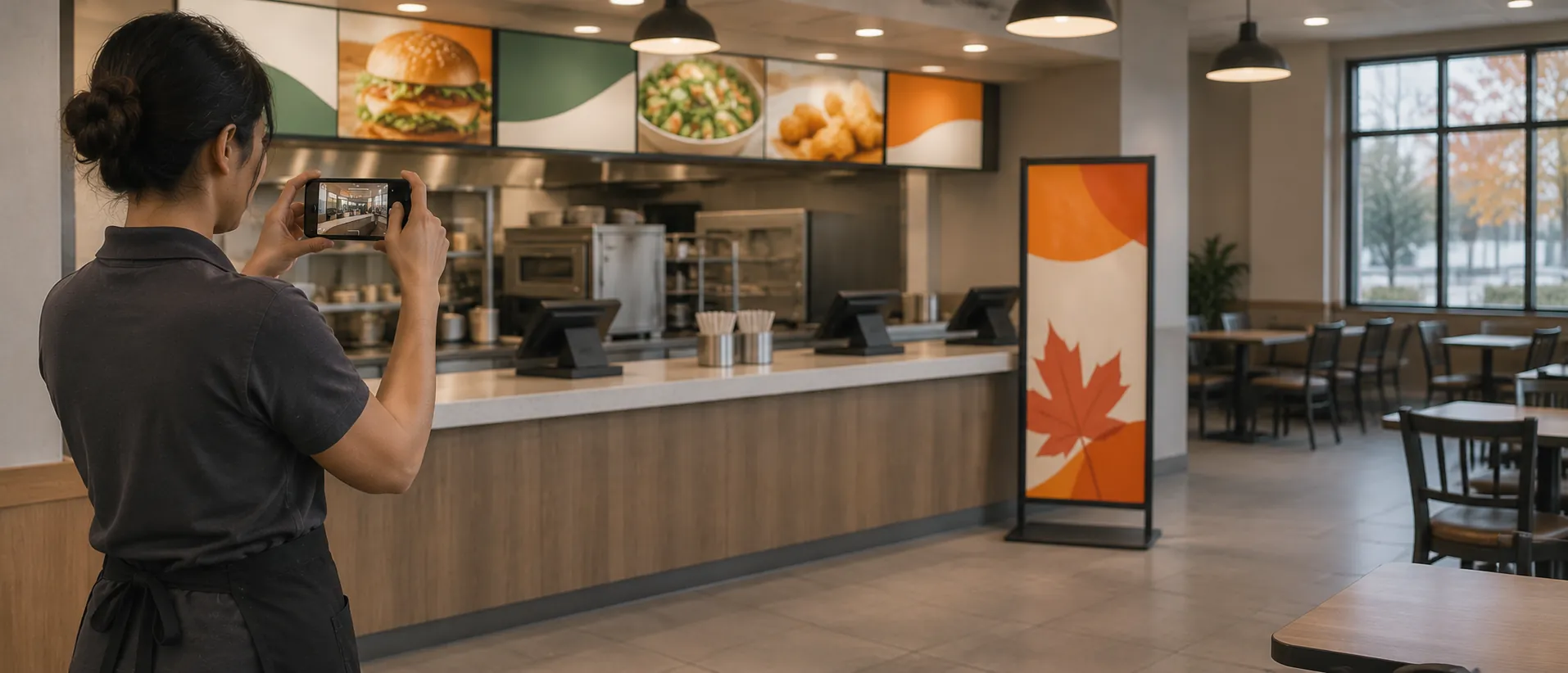 Retail & CPGBrand standards, every location, every month.Franchisees or field reps capture signage, cleanliness and promo setup; you get a scored receipt per location.See how it works
Template
Post this task in a minute.
The template is the version a person with a phone can do today. The steps, the photos and the rules the reviewer checks are filled in, and you can change any of them. Say where, then send the capture link.
Book a pilot
Send your next campaign report as receipts.
Tell us about your next campaign. We'll set up the pilot before the first posting day.