How it works with what you already run.
Teleport isn't affiliated with CCTV and video systems. This works with the account you already have.
- 01
Connect what you run
Teleport connects to the cameras you already have, through a small agent on your recorder or a link to your cloud video system. No new cameras.
- 02
Mark what to watch
Mark the floors, shelves or docks to watch, and black out tills and screens. Faces, screens and plates are blurred before any model sees a frame.
- 03
Spot it and post it
When a zone changes and stays changed, Teleport posts the job within your rules and budget: to your staff first, then a contractor or a local pro.
- 04
Same camera, after
When the job is marked done, the same camera supplies a fresh frame. The worker's own photo is always collected too.
- 05
Get the receipt
A versioned policy compares before and after. The receipt shows where each frame came from and what was blurred.
What it proves, and what we won't do.
- What we won't do
- Not a security product: no intrusion alerts, loss prevention, people counts, face search or staff productivity.
- Your footage stays yours. Camera passwords stay on site, the on-site agent only connects outward, and streams are never put on the internet.
- Frames are used only to spot jobs, check the work and make receipts.
- Still in design: only some camera systems will be supported at first, and it isn't running for customers yet.
Related.
 Early accessHospitalityThe camera saw it first.A dining-room camera posts the cleanup and the restock under the restaurant's mandate, and its next frame helps prove they're done.Read the worked example
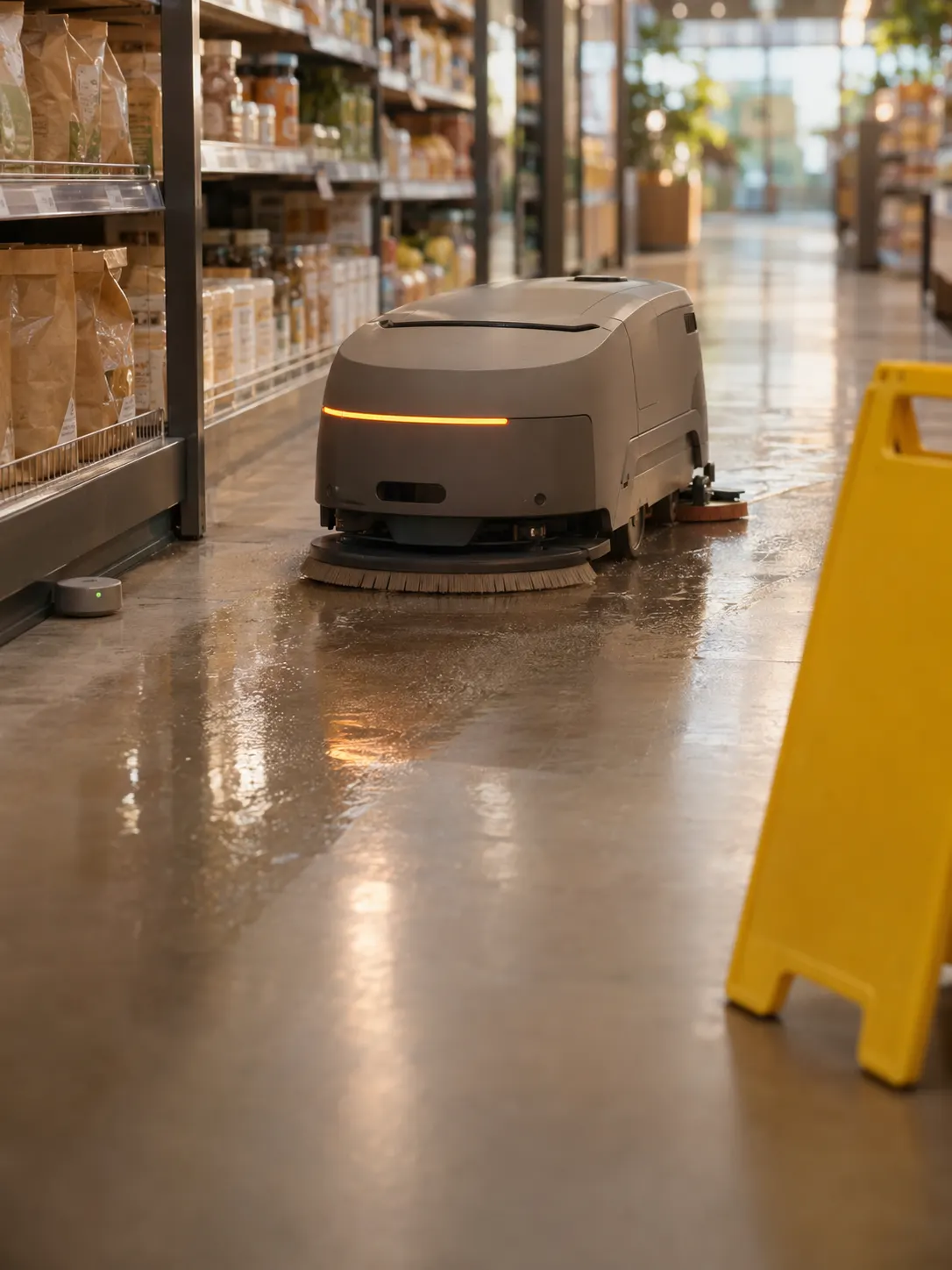 Early accessRetail & CPGThe floor called it in.A moisture sensor spots a spill in aisle 7, a floor robot cleans it for $12, and the sensor helps prove it's dry.Read the worked example
Design partners
Run CCTV and video systems with proof.
Tell us how you use it today. We're working with design partners while this integration is in design.